Self-publishing on Amazon KDP: the complete getting-started guide
Publishing a book without a traditional publisher has never been more accessible. With Amazon KDP, an author can have a book on sale in days, in digital and print formats, with no upfront payment. But self-publishing also means becoming your own publisher: choosing your cover, setting your price and managing your visibility. This guide explains how it works, the money involved and the strategy. For a technical step-by-step on uploading your book, see our guide How to publish a book on Amazon KDP.
What is self-publishing on Amazon KDP?
KDP (Kindle Direct Publishing) is Amazon’s free platform for independent authors. You provide the text and cover, choose the price, and Amazon takes care of the rest: ebooks are delivered to Kindle e-readers and apps, while paperbacks and hardcovers are printed on demand, one copy at a time, and shipped to readers. No inventory, no boxes in the garage.
You retain the rights to your work. You can update your book, price or description at any time, and take it off sale whenever you wish.
Self-publishing or a traditional publisher: a comparison
| Factor | Self-publishing on KDP | Traditional publisher |
|---|---|---|
| Selection | None: you decide to publish | Editorial board; few manuscripts accepted |
| Time to publication | A few days after KDP approval | Often several months, sometimes over a year |
| Rights | You retain them | Assigned to the publisher for the contract term |
| Income per copy | Up to 70% of an ebook’s price; 50–60% of a paperback’s price, less printing costs | A percentage of the price, often around 8–10% for hardbacks |
| Preparation costs | You pay (editing, cover, etc.) | Paid by the publisher |
| Physical bookshops | Limited availability | Bookshop distribution network |
| Promotion | Your responsibility | Shared with the publisher |
Self-publishing is particularly suitable for authors who want to stay in control, publish regularly or reach readers who mainly shop online: romance, thrillers, fantasy and practical books.
How much does self-publishing on KDP cost?
Publishing on KDP is free: there are no sign-up or upload fees, and a free ISBN is provided for print books. Your actual costs are the ones you choose to invest in your book’s quality:
- Editing and proofreading: essential. You can use beta readers or hire a professional editor, whose fee depends mainly on the length of the text.
- The cover: create it yourself with a tool or hire a designer. It is often an independent author’s best investment.
- Interior formatting for the print book, which you can do yourself using a template.
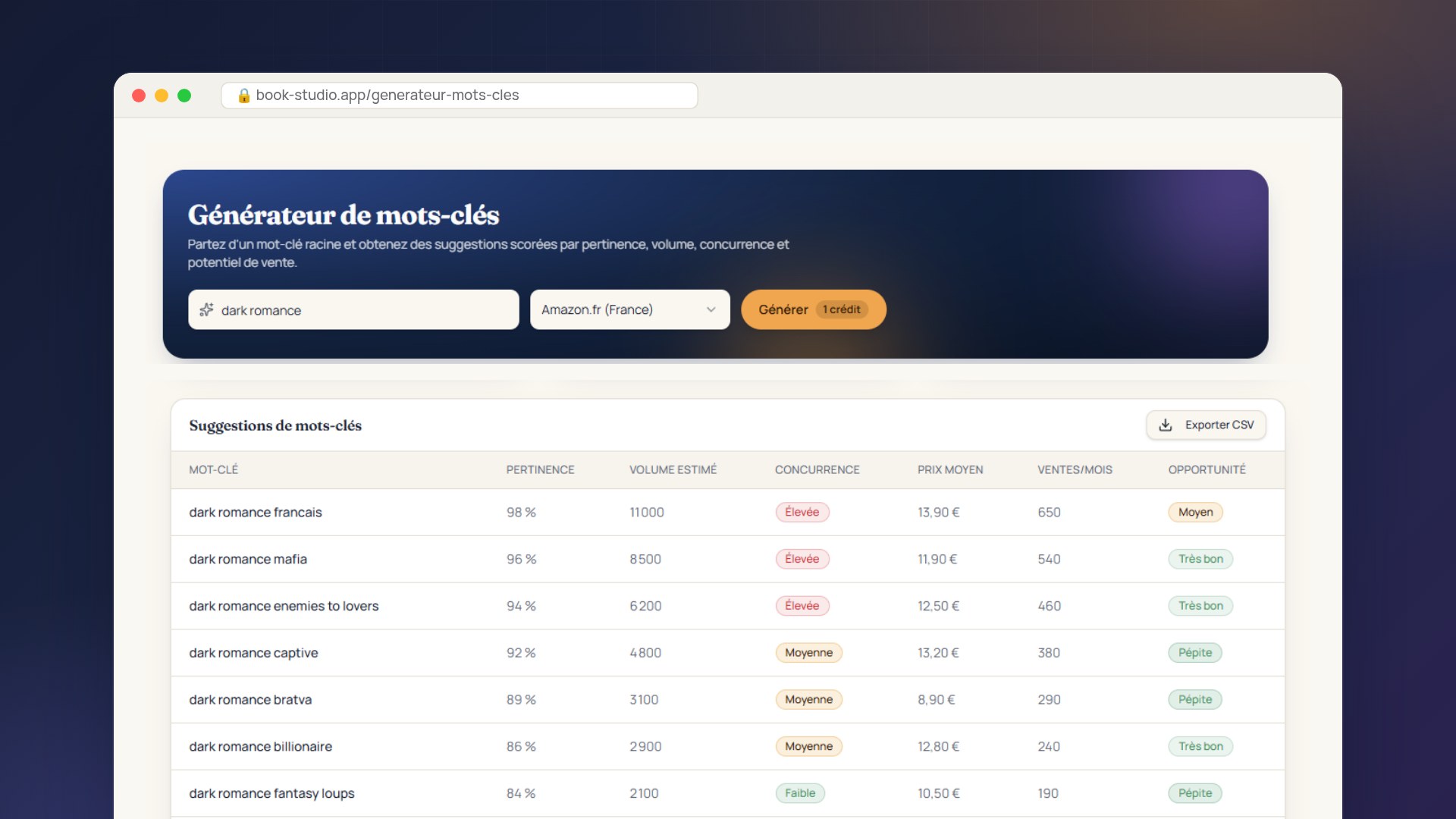
- Promotion: Amazon Ads, sending out copies and keyword research tools. You set the budget and can adjust it day by day.
How much can a self-published book earn?
On KDP, you earn a royalty on every sale. The calculation depends on the format.
Ebook: 35% or 70%
For each ebook, you can choose a 35% or 70% royalty on the price excluding VAT. The 70% option is subject to conditions, including a price range and eligible sales territories, and Amazon deducts a small delivery fee based on file size.
Paperback: 50% or 60% of the price, less printing
For a paperback sold on Amazon, the royalty is 60% of the list price from €9.99 (50% below that), less the printing cost, which depends on trim size, page count and ink. KDP’s example: a 333-page black-and-white book sold for $15 on Amazon.com earns (0.60 × $15) − $5.00 printing cost = $4.00 per copy.
Pages read through Kindle subscriptions
If your ebook is enrolled in KDP Select, you are also paid for pages read by subscribers to Kindle Unlimited, from a fund shared among authors each month.
Good to know
KDP pays royalties monthly, around 60 days after the end of the month in which the sale was made. Bear this delay in mind when tracking your first results.
KDP Select: should you give Amazon exclusivity?
KDP Select is an optional programme for ebooks. In exchange for 90 days of digital exclusivity (renewable), your ebook is included in the unlimited reading offer and you gain access to two promotional tools: limited-time offers (Kindle Countdown Deals) and free promotions, for up to 5 days per term.
- Advantages: extra income from pages read and promotional tools to launch a book or series.
- Drawback: during those 90 days, you cannot sell your ebook elsewhere (Kobo, Apple Books, Google Play or your own website). Your print books are not affected.
- Our advice: for genre fiction, where subscription readers are plentiful, KDP Select is often a good place to start. Try one term, then compare your results.
ISBNs, rights and obligations
- ISBN: KDP provides a free ISBN for paperbacks and hardcovers; you can also use your own, purchased from your country’s ISBN agency (AFNIL in France). An ebook does not need an ISBN: Amazon assigns it an identifier, the ASIN.
- Copyright: you retain your rights. Keep a dated record of your manuscript.
- Legal deposit: depending on your country, distributing a printed book may require legal deposit (with the BnF in France). Check which rules apply to you.
- Tax: KDP asks you to complete a tax questionnaire before publishing. You must declare your royalties as income in your country.
Steps for a successful launch
- Write, then get feedback: start with beta readers, then have the book edited.
- Research your market: look at bestsellers in your genre, their covers, prices and categories.
- Create a strong cover that immediately signals its genre, even as a thumbnail.
- Prepare your listing: title and subtitle, description, seven keywords and categories.
- Set a competitive price in line with comparable books.
- Publish, following the steps in our publishing guide.
- Launch: get your first reviews, let your readers know and test Amazon Ads with a small budget.
Costly mistakes
- Publishing without proofreading: mistakes show up in the preview and in reviews.
- A DIY cover that does not look like the genre: readers move on before they even read the title.
- Keywords that are too broad (“novel”, “book”) that fail to surface your book in useful searches.
- An arbitrary price, too high for a first book or too low to seem credible.
- Waiting for sales to come on their own: on Amazon, a book with no visibility can remain invisible.
How long until the first sales?
There is no typical timeframe. A book may sell on day one through the author’s personal network, then slow down without visibility. What makes a difference over time are the things you can control: appearing in the right searches, a persuasive cover and description, reviews, and a little advertising to get sales started. You can work on and improve these factors over time, even after publication.
In summary
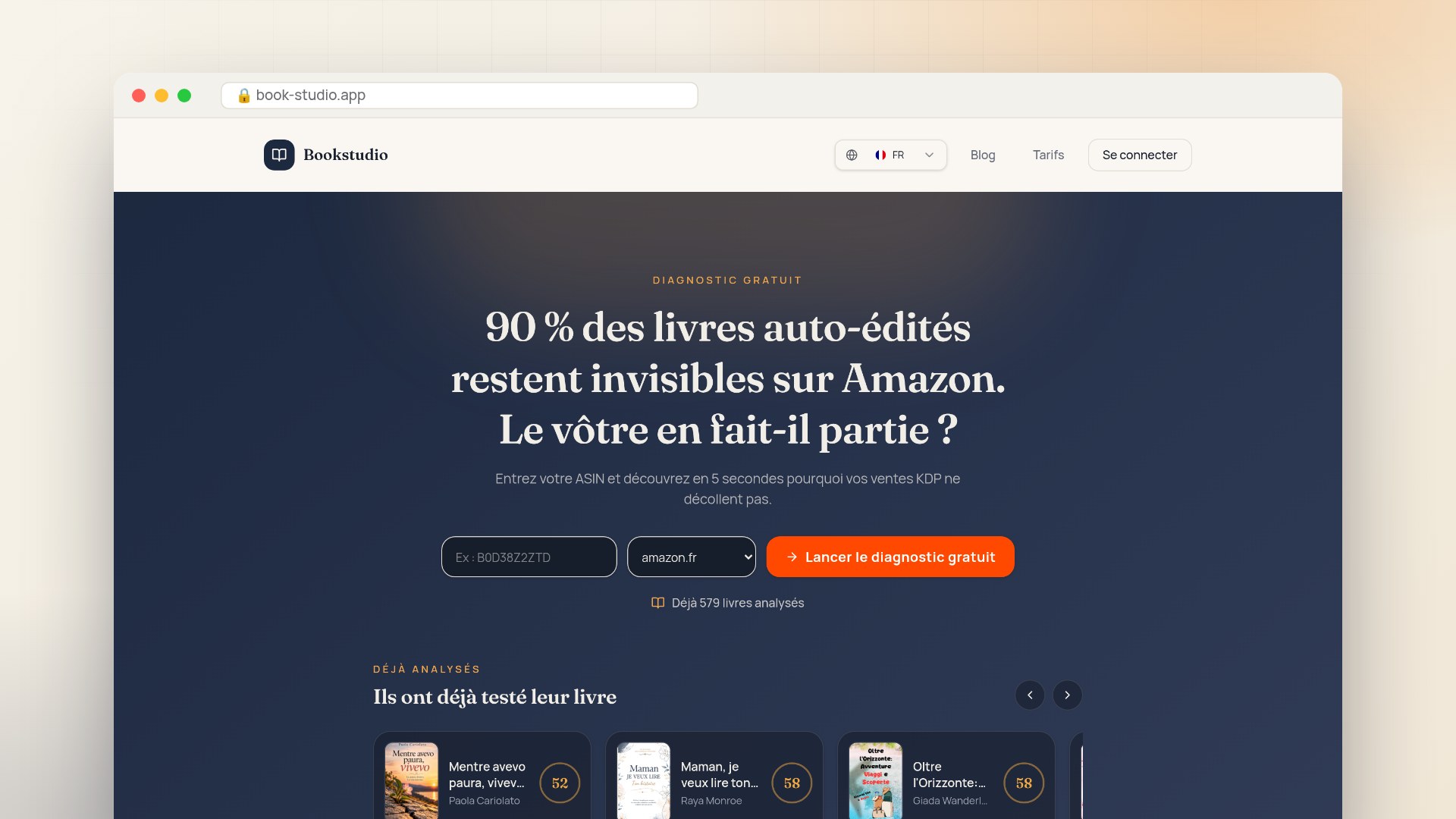
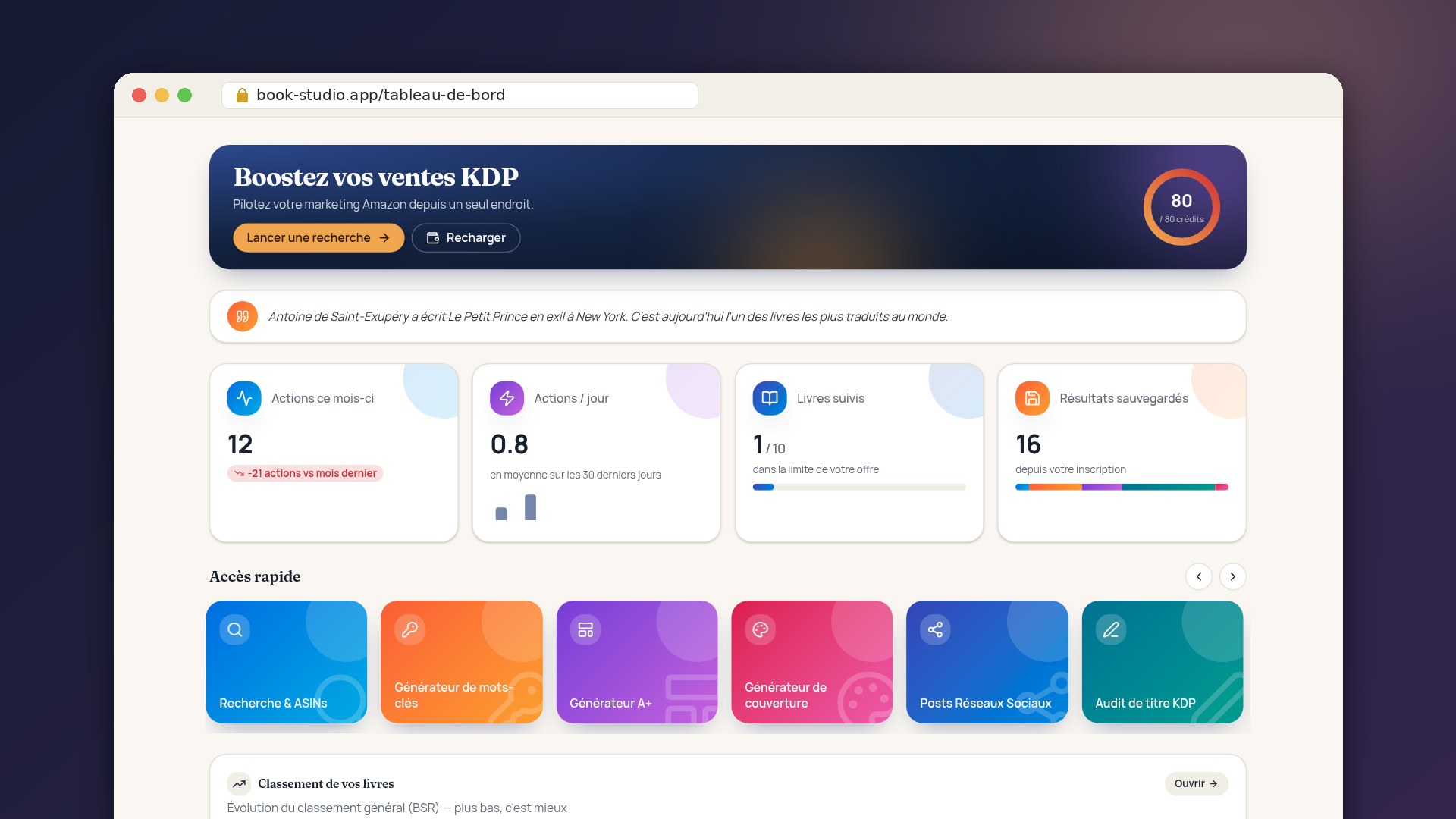
Self-publishing on Amazon KDP is free and fast, and gives you control over your book and your rights. In return, you are responsible for its quality and visibility. Start with a thoroughly edited book and a polished listing, then track results and make improvements. Bookstudio’s free diagnostic analyses your Amazon listing and tells you in minutes what may be holding back your sales.